Fast on the draw.
Grab any part of your screen, mark it up and send it — before the thought leaves your head. Arrows, text, blur, numbered steps and callouts, on Windows.
Free for 30 days • No account needed • Windows 10/11
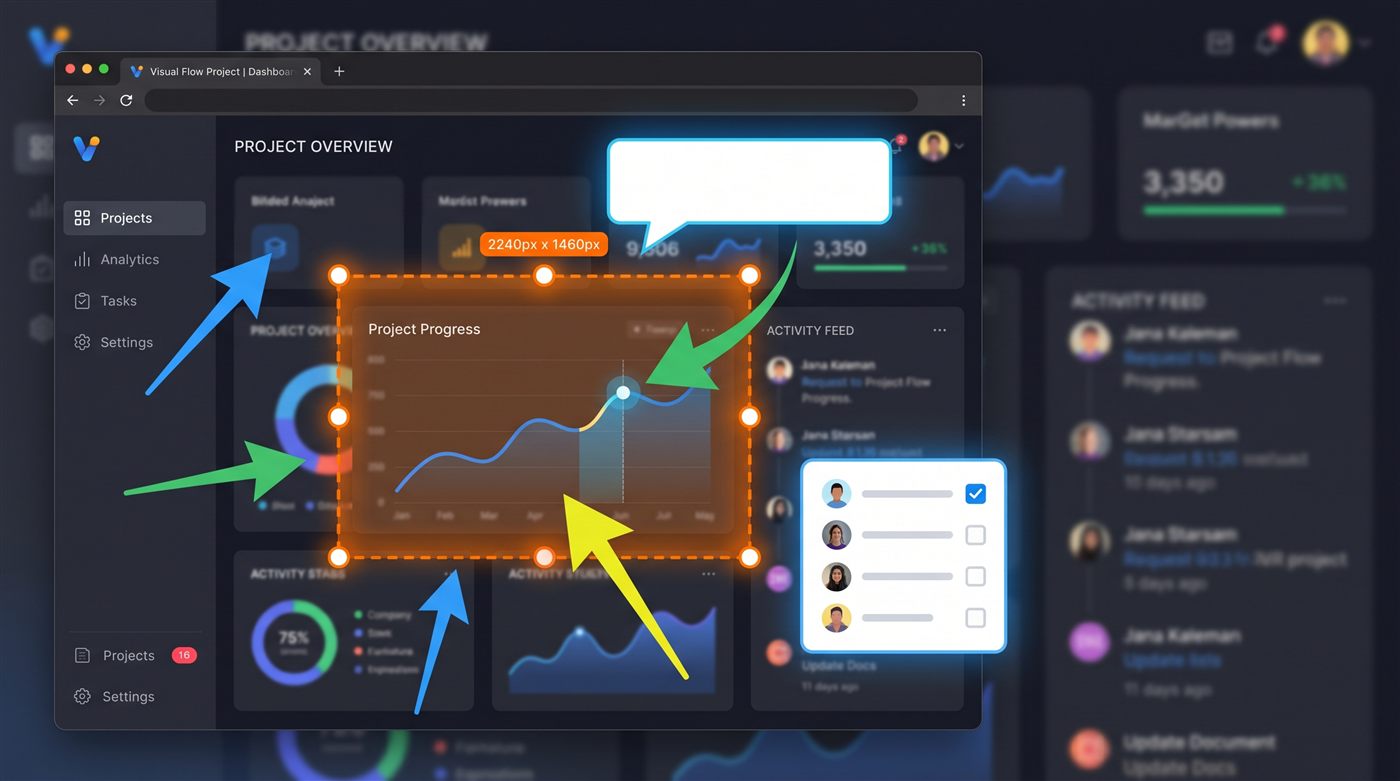
Grab any part of your screen, mark it up and send it — before the thought leaves your head. Arrows, text, blur, numbered steps and callouts, on Windows.
Free for 30 days • No account needed • Windows 10/11
One tool from capture to “here, look at this” — without a heavyweight editor.
Press PrintScreen, drag, done. Multi-monitor and mixed-DPI aware, with a frozen preview so nothing moves while you select.
Capture long pages and chats — scroll while Screen Slinger stitches everything into one tall image.
Clean annotations with full control of color, thickness and fill. Everything stays editable — move and restyle any time.
Hide names, emails and numbers with smooth blur, pixelation, or solid color. In the image you export, the hidden pixels are replaced — not covered over.
Turn any screenshot into a how-to: auto-numbered step markers and speech-bubble callouts with your text.
Save tool presets — your arrow, your highlight color, your callout style — and apply them in one click.
Every capture is saved and searchable. Copy several screenshots at once and paste them one by one with Win+V.
Unlimited-feeling undo that's saved with the file — close the app, reopen tomorrow, and keep pressing Ctrl+Z.
English, French, German and Hebrew (with full right-to-left support) — detected automatically.
Your screenshots never leave your computer. No account, no upload, no telemetry. That's not a promise buried in a policy — it's how Screen Slinger is built.
Read our guide to redacting a screenshot safely — including why you should never pixelate text, in any tool.
Guides and comparisons: hiding sensitive information in a screenshot · making numbered-step screenshots for a tutorial · capturing a long scrolling page
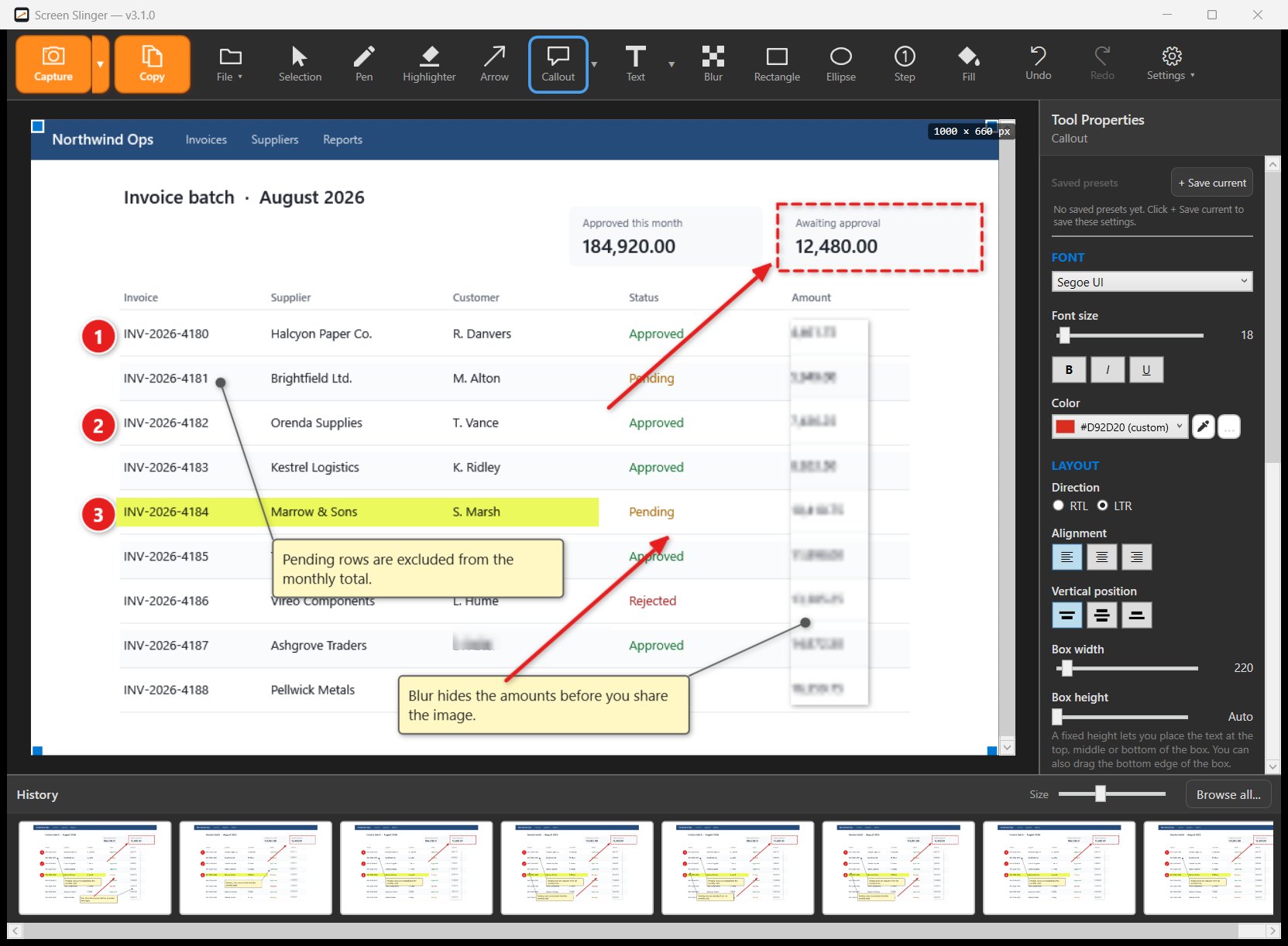
The real Screen Slinger editor, unretouched. Numbered steps, arrows, callouts and a frame on a captured screen, with every object still editable, and your full capture history one click away.
Watch Screen Slinger in action — capture, annotate, done.
Start free — no payment details, no account. Pay once, and only if you decide it's worth it.
Secure checkout by Lemon Squeezy, a trusted payment platform used by thousands of software companies. They handle payment, tax and your invoice — card details never reach us. You can pay by credit card or with PayPal. You can read more about them on their own site.
Windows 10 or Windows 11, 64-bit. No installation of extra runtimes needed — download, run, capture.
Never. Screenshots are saved to a folder you choose on your own disk, and that's the only place they exist. The app goes online for one thing only: checking your license key when you activate it.
The app switches to view-only. You can still open Screen Slinger and look through everything you captured, and your files stay on your disk exactly where they were — nothing is deleted. Inside Screen Slinger, capturing, editing, saving, exporting and copying to the clipboard all require a license.
Yes. One payment, lifetime license, and updates released for version 3 are included. A future major version, if there ever is one, is not included.
Payment is handled by Lemon Squeezy, the seller of record, and any refund request is decided under their policy. That is exactly why the trial exists: 30 days, every feature unlocked, so you can be sure before you pay.
Yes — deactivate it in the app (License window) and activate on the new machine with the same key.
Wondering how it stacks up against Snagit, ShareX, Greenshot, Lightshot or PicPick? Read the honest comparison.